Struggling with software errors? Get expert help—fast, secure, and available 24/7.




Struggling with software errors? Get expert help—fast, secure, and available 24/7.
Published: 22 April, 2026 | Updated: 22 April, 2026

Author
ECE2025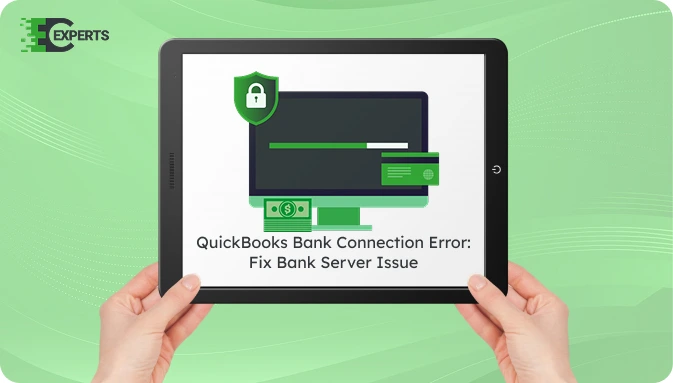
QuickBooks allows users to connect bank accounts and automatically download transactions. This feature helps users maintain accurate financial records and save time on manual data entry. However, users may sometimes encounter a QuickBooks Bank Connection Error when the software fails to communicate with the bank’s server.
This issue prevents QuickBooks from downloading new transactions or updating bank feeds. The problem may occur because of login credential issues, expired banking authorization, internet problems, or temporary bank server outages. This guide explains the meaning of the error, the reasons behind it, and the steps you can follow to resolve it.
Watch this quick video to learn the causes and solutions for the QuickBooks Bank Connection Error.
QuickBooks Bank Connection Error appears when QuickBooks cannot establish a secure link with the bank’s website. The software attempts to access the bank server to download transaction data. If the connection fails, QuickBooks shows an error message and stops the update process.
Because of this issue, bank feeds remain outdated. Recent transactions will not appear in the accounting records until the connection is restored. The error can appear in QuickBooks Online or other versions that support online banking.
Several technical or account-related issues may cause this error. Understanding the cause helps you apply the correct fix.
Common causes include:
You May Also Read: Fix QuickBooks Error 12002
Users usually notice the issue when QuickBooks fails to update banking transactions. The software may also display a warning during bank feed updates.
Common signs include:
You can resolve this problem by verifying bank access, refreshing the connection, or reconnecting the bank account. Follow the solutions below in order.
First confirm that the bank website works correctly.
Refreshing the bank feed may restore the connection.
Incorrect login information will prevent QuickBooks from connecting to the bank.
Sometimes the banking connection expires and requires reconnection.
Browser data can interrupt communication with the bank server.
A weak internet connection may block QuickBooks from contacting the bank server.
You May Also Read: Fix QuickBooks Error 12007
Yes. QuickBooks includes built-in banking update features that attempt to restore the connection automatically. When QuickBooks detects a login or authorization problem, it prompts the user to reconnect the bank account. In many cases, updating the bank feed or reconnecting the account resolves the error without manual troubleshooting.
You can reduce the chance of this error by maintaining stable banking connections. Update bank feeds regularly so the connection remains active. Always keep bank login credentials updated in QuickBooks. Clear browser cache periodically and ensure that your internet connection remains stable before updating transactions. Also review any security alerts or login verification requests from your bank.
If the error continues after completing all troubleshooting steps, the problem may relate to bank server settings, security verification issues, or advanced QuickBooks configuration problems. In such cases, professional technical support may be required to identify the exact cause and restore the banking connection.
Our support team at ErrorCodeExperts helps users fix QuickBooks banking and connectivity problems. Experts review the error message, verify banking integration settings, and restore the connection between QuickBooks and your bank account. If you still face QuickBooks Bank Connection Error, contact ErrorCodeExperts at +1-800-949-1746 or email for immediate assistance.


Author
ECE2025We are a team of certified IT and financial systems specialists with over 10 years of experience in fixing accounting software issues. We specialize in system integration, data migration, and diagnostics - making it easier for accountants and business owners to resolve complex errors. When not solving technical problems, our team enjoys refining internal tools and sharing practical fixes with the wider accounting community.