Struggling with software errors? Get expert help—fast, secure, and available 24/7.




Struggling with software errors? Get expert help—fast, secure, and available 24/7.
Published: 1 May, 2025 | Updated: 26 March, 2026

Author
Error Code Experts Staff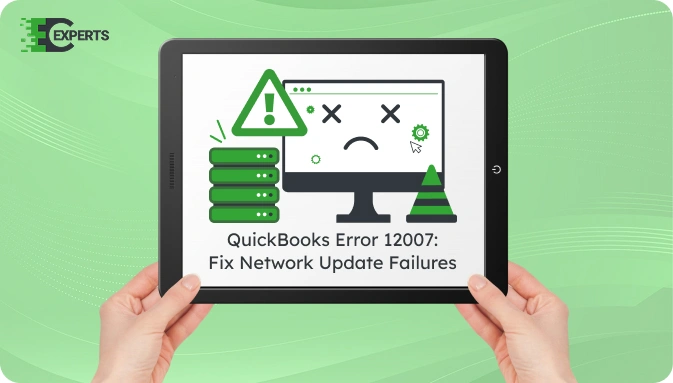
QuickBooks Error 12007 is a network-related error that occurs when the application fails to connect to the internet while updating QuickBooks Desktop or payroll services. It typically appears with the message “QuickBooks has encountered a problem and needs to close” or “A network timeout preventing QuickBooks from accessing the server.”
This article provides a complete guide to understanding QuickBooks Update Error 12007, why it occurs, how to identify it, and step-by-step instructions to fix it. It also includes prevention strategies and expert assistance options.
“QuickBooks Error 12007 occurs when the software cannot connect to Intuit servers due to network timeout, incorrect internet settings, or firewall restrictions.“
Watch this quick video to learn the causes and solutions for QuickBooks Error Code 12007.
QuickBooks Error 12007 is a connection timeout issue that arises when the software cannot reach the Intuit update server. It mainly occurs during a QuickBooks Desktop or payroll update attempt. This error is often linked to system network settings or third-party security software interference.
QuickBooks Error 12007 occurs due to a failure in internet connectivity or system misconfigurations. Common causes include:
These issues stop QuickBooks from connecting to the server and initiating or completing updates.
Users can identify QuickBooks Update Error 12007 based on the following signs:
These signs indicate that the system settings are preventing QuickBooks from completing its update tasks.
Follow these solutions in sequence to resolve QuickBooks Error 12007 effectively. Each solution targets a specific cause of the error.
QuickBooks uses Internet Explorer settings to connect to the internet.
Incorrect firewall settings often block QuickBooks update servers.
This clears previous download attempts and resets update preferences.
Sometimes, corrupted or outdated network configurations can block QuickBooks from connecting to update servers. Resetting the network and clearing DNS cache can help restore connectivity.
ipconfig /flushdnsnetsh int ip reset
netsh winsock resetYou May Also Read: Fix QuickBooks Error 12009
Yes, you can use the QuickBooks Tool Hub to diagnose and fix common update and connectivity issues related to Error 12007.
Step 1: Download and Install QuickBooks Tool Hub
Step 2: Use the Correct Tabs (Important)
Navigate to the following sections inside Tool Hub:
To avoid Error 12007:
If the error continues even after trying all listed solutions, it may be due to advanced system restrictions, DNS conflicts, or corrupt configuration files. In such cases, deeper technical analysis is required to identify the underlying issue.
Our team at ErrorCodeExperts provides personalized support for persistent QuickBooks errors. We resolve update failures, network configuration issues, and firewall conflicts.


Author
Error Code Experts StaffWe are a team of certified IT and financial systems specialists with over 10 years of experience in fixing accounting software issues. We specialize in system integration, data migration, and diagnostics - making it easier for accountants and business owners to resolve complex errors. When not solving technical problems, our team enjoys refining internal tools and sharing practical fixes with the wider accounting community.